
Introduction
Remember Files Over Miles? Once a pioneer in browser-to-browser file sharing, it made sending large files quick, simple, and direct — without bulky cloud storage or extra software. Launched in 2009, this peer-to-peer (P2P) service gave users freedom to transfer files instantly across long distances, which is why many still search for it today.
But Files Over Miles is no longer available. It relied on Adobe Flash and had technical limits that couldn’t meet modern demands for speed, security, and accessibility.
In this expert guide, we’ll explain what Files Over Miles was, why it disappeared, and — most importantly — the best alternatives in 2025. You’ll also learn how modern WebRTC tools make file transfers faster, safer, and more business-friendly.
(Written by a technology content specialist with years of experience covering file sharing software, cybersecurity, and digital collaboration tools.)
Quick Look — Best Files Over Miles Alternatives in 2025
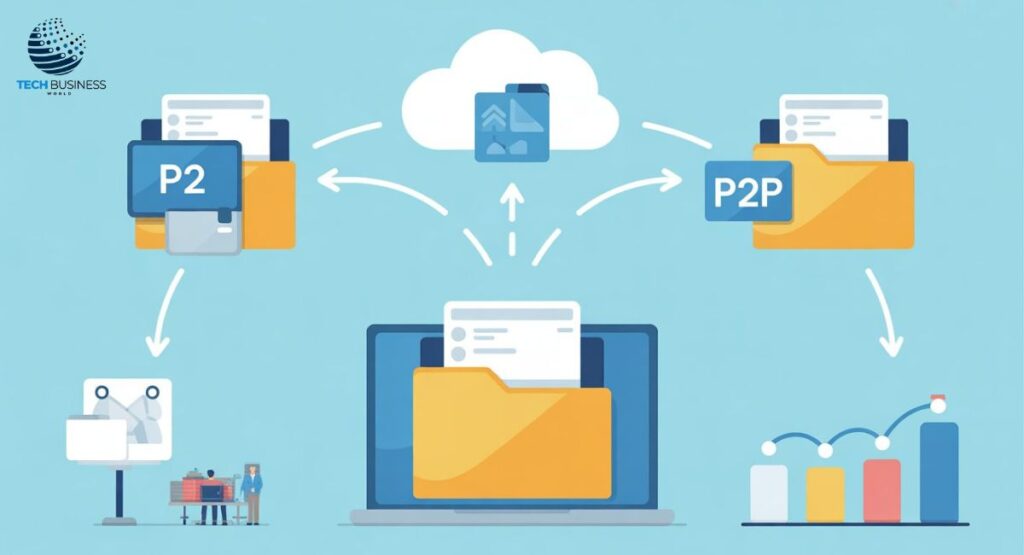
If you’re searching for Files Over Miles alternatives, the good news is there are plenty of modern tools that are faster, more secure, and easier to use.
At-a-Glance Comparison
| Tool | Free Plan | Max Size | Encryption | Best For |
| WeTransfer | Yes | 2GB | TLS/Encryption | Fast casual sharing |
| Filemail | Yes | 5GB | AES/SSL | High-speed large files |
| ShareDrop | Free | Device-based | End-to-end | Privacy-first P2P |
| FilePizza | Free | Device-based | Peer-to-peer | Direct transfers |
| pCloud | Yes | 10GB | Zero-knowledge | Business storage + sharing |
| Send Anywhere | Yes | 10GB | 256-bit AES | Cross-platform sharing |
| OneDrive | Yes | 5GB | Microsoft 365 security | Enterprise collaboration |
Top Picks by Category
- Best for speed: WeTransfer and Filemail.
- Best for privacy: ShareDrop and FilePizza.
- Best for businesses: pCloud, Send Anywhere, and OneDrive.
What Was Files Over Miles?
Launched in 2009, Files Over Miles was a Flash-based file sharing service that allowed direct browser-to-browser file transfers without servers or installations.
Origin and Launch
Built when Adobe Flash powered most web apps, it stood out for its P2P file sharing innovation.
Features That Made It Popular
- No installation required
- Real-time P2P transfers
- Worked instantly in any browser
Why Users Loved It
Users valued the speed, simplicity, and direct connections. It was ideal for quick transfers when other file sharing options felt slow or bulky.
Why Files Over Miles Is No Longer Available
Dependence on Adobe Flash
Its reliance on Adobe Flash — discontinued in 2020 — made the service obsolete.
Technical Limitations
Transfers were limited by RAM, firewalls, and only worked for live one-time sharing.
Security and Privacy Gaps
The service lacked encryption and had major privacy risks, unlike today’s secure file sharing tools.
Rise of Modern Alternatives
The growth of cloud storage platforms (Google Drive, Dropbox) and WebRTC-based P2P services (ShareDrop, Terashare) replaced it with faster and safer options.

How Browser-to-Browser File Sharing Works Today
WebRTC Technology Explained
Modern services use WebRTC (Web Real-Time Communication) for secure, encrypted P2P transfers — no plugins or Flash required.
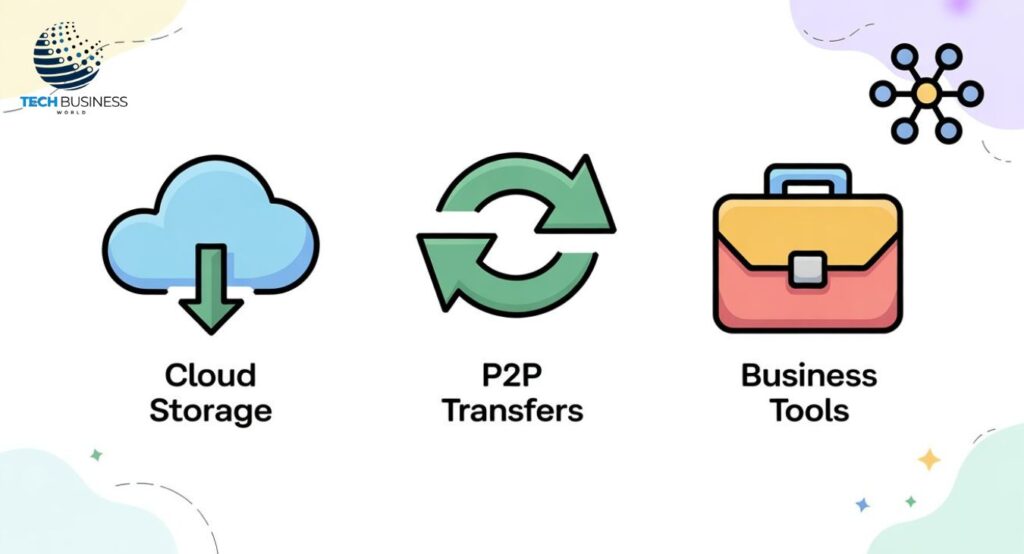
P2P vs Cloud-Based Transfers
- P2P transfers: faster, no storage needed.
- Cloud storage: reliable backups and collaboration.
Why Modern Tools Are Safer and Faster
With end-to-end encryption, expiring links, and password protection, today’s services make browser-to-browser sharing both safe and efficient.
Detailed Alternatives to Files Over Miles
Cloud-Based Solutions
Google Drive, Dropbox, OneDrive, and iCloud offer storage, collaboration, and cross-device access.
Browser-Based P2P Tools
ShareDrop, FilePizza, and Terashare enable direct file sharing with no cloud storage.
Enterprise-Grade Secure Services
Send Anywhere, Filemail, and pCloud provide enterprise-level security, encryption, and compliance support.
Free vs Paid Options
Free plans work for casual users. Paid tiers add larger limits, advanced encryption, and business collaboration tools.
How to Choose the Right Files Over Miles Alternative
Key Factors
Check file size limits, transfer speed, encryption, and ease of use.
Business vs Casual Use Cases
- Casual users: ShareDrop, FilePizza.
- Business users: pCloud, OneDrive, Send Anywhere.
Budget Considerations
Free plans are fine for personal use. Professionals should consider premium upgrades for security and performance.
Security & Privacy in File Sharing
End-to-End Encryption & Zero-Knowledge Storage
Tools like pCloud use zero-knowledge storage, ensuring only you can access files.
Risks of Unencrypted or Public Links
Unprotected file sharing exposes data to risks like hacking or leaks.
Compliance Factors
Businesses must meet GDPR, HIPAA, and other compliance needs.
Tips for Staying Safe
Use passwords, expiring links, and VPNs for safer transfers.

Future of File Sharing Beyond Files Over Miles
Decentralized File Transfer
IPFS and blockchain-based sharing reduce reliance on central servers.
AI-Powered File Organization
AI tools can predict sharing patterns and organize files automatically.
Compliance-Ready Tools
As regulations tighten, businesses prefer compliance-ready file transfer solutions.
Conclusion
Files Over Miles was an innovative pioneer in browser-based P2P sharing, but reliance on Flash and security gaps made it outdated. In 2025, modern file transfer services are faster, safer, and designed for both personal and enterprise needs. Whether your priority is speed, privacy, or compliance, there’s a perfect alternative. Choose the right tool today and share files with confidence in 2025 and beyond.
FAQs About Files Over Miles and Alternatives
Can I still use Files Over Miles in 2025?
No, it’s discontinued due to Flash being obsolete.
What is the closest tool to Files Over Miles?
In 2025, ShareDrop and FilePizza are closest, offering direct P2P file sharing.
What replaced Files Over Miles?
WeTransfer, pCloud, and Send Anywhere replaced it with modern file transfer services.
Is browser-to-browser file sharing safe?
Yes, with end-to-end encryption, it’s much safer in 2025.
What’s the largest file I can send for free?
In 2025, Filemail supports up to 5GB free transfers.
Which file sharing service is best for businesses?
pCloud, OneDrive, and Send Anywhere are top business-friendly alternatives in 2025.
Is P2P file sharing legal?
Yes, P2P file sharing is legal when not used for copyrighted content.

Hi, I’m Awa Zul Hassan, CEO of Link Boosters. I’m a content writer and SEO expert with 5 years of experience.